
Flow AI Video Prompts: A Practical Prompt Guide
Write clearer Flow AI Video prompts with a subject, action, setting and camera move, then improve results one controlled change at a time.
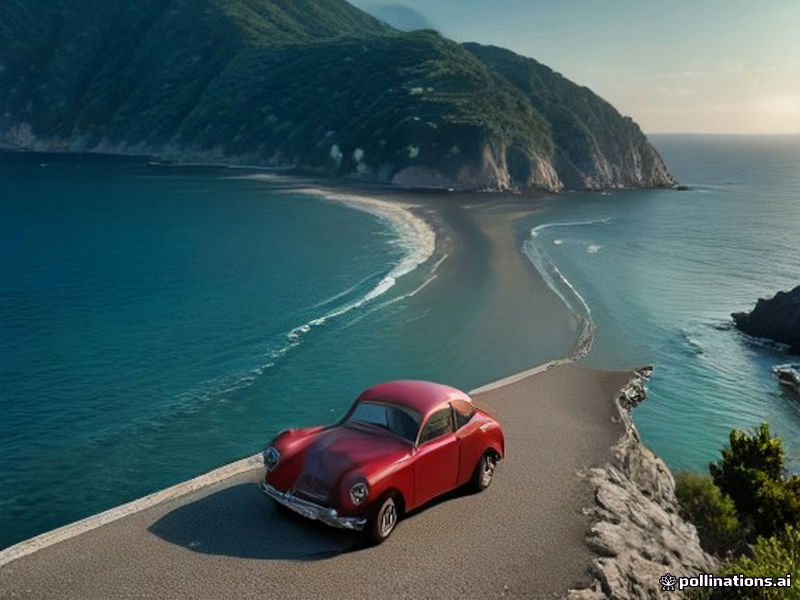
Good Flow AI Video prompts describe change over time. They do not need to be long, but they should give the model a subject, a setting, one visible action and a camera direction that can fit the selected duration.
A reliable prompt structure
Use this order when you need a starting point:
Subject + setting + action + camera + light or atmosphere.
For example: “A red bicycle rests beside a quiet lake at dawn. Mist moves across the water while the camera makes a slow lateral track. Soft blue-hour light, natural motion.” The prompt gives the model a clear subject, one environment, one action and one camera move.
Describe what moves
Video models need a reason for the scene to change. Use verbs such as walks, turns, pours, opens, drifts, rotates or approaches. Keep the action compatible with the duration. A four- or five-second clip can show a single gesture or camera move; it is unlikely to show a complete journey across several locations.
When using Image to Video, explain the motion while respecting the first frame. “The bottle stays centered while sunlight moves across the glass” is easier to follow than “transform the bottle into a new luxury design.” Read Flow AI Video from Image for a first-frame workflow.
Choose one main camera move
Use one primary direction: a slow push-in, locked-off shot, gentle tracking shot, pan, tilt or orbit. You can add a small secondary movement, such as steam rising or leaves moving, but avoid stacking several camera commands that point in different directions.
Camera words should support the subject. A locked-off wide shot helps a landscape read clearly. A close push-in can reveal product texture. A slow orbit can show shape, but it may make logos or small text harder to preserve.
Add concrete visual details
Prefer specific visual details over a pile of style labels. Name the time of day, light source, material or atmosphere: overcast daylight, one warm practical lamp, wet stone, fine sea mist or soft window light. Keep the details compatible. Hard noon shadows and blue-hour light describe different conditions.
Do not use prompts to request copyrighted characters, impersonation or deceptive real-world evidence. Upload only images you have permission to use, and follow the site’s Acceptable Use Policy.
Improve a prompt without losing the signal
Make one change per attempt. If the camera movement is correct but the subject is unstable, simplify the action. If the composition is right but the clip feels static, add one small motion. Start with a shorter duration and a supported resolution, then inspect the credit quote before generating again.
You can try the Flow AI Video Generator without committing to a submission. The interface shows the available models and settings for the current mode. For the broader workflow, see How the Flow AI Video Generator works.